Brand
Orby marks, colors, and press assets for articles, social posts, and partner pages. Use these guidelines when you mention Orby — not to imply sponsorship or endorsement by us.
Logo
The Orby logotype is the primary mark. Default to lime on Orby black; white on dark, or black on white or lime, work when you need a reversed treatment. See Allowed combinations for other approved pairings.
Do not edit, distort, or reconfigure the logo. Recolor only with approved palette pairings
(see Allowed combinations). The download includes lime, black,
and white SVG files named orby-logo-*.svg.
Symbol
The orb mark works when the full logotype is already visible nearby — app icons, favicons, and compact UI chrome. Same color rules as the logotype.

Colors
Orby Lime and Orby Black are the primary colors — lime for the logotype and primary actions, black for backgrounds and type on bright surfaces. Orby Purple, Orby Blue, Orby Pink, and Orby Surface muted are supporting colors: purple for UI and gradients, blue for inline links, pink for warnings and severity, surface muted for panels and chrome.
- Orby Lime #C4FF00
- Orby Purple #3B00FF
- Orby Blue #00C4FF
- Orby Pink #FF00C4
- Orby Black #080808
- Orby Surface muted #202020
Allowed combinations
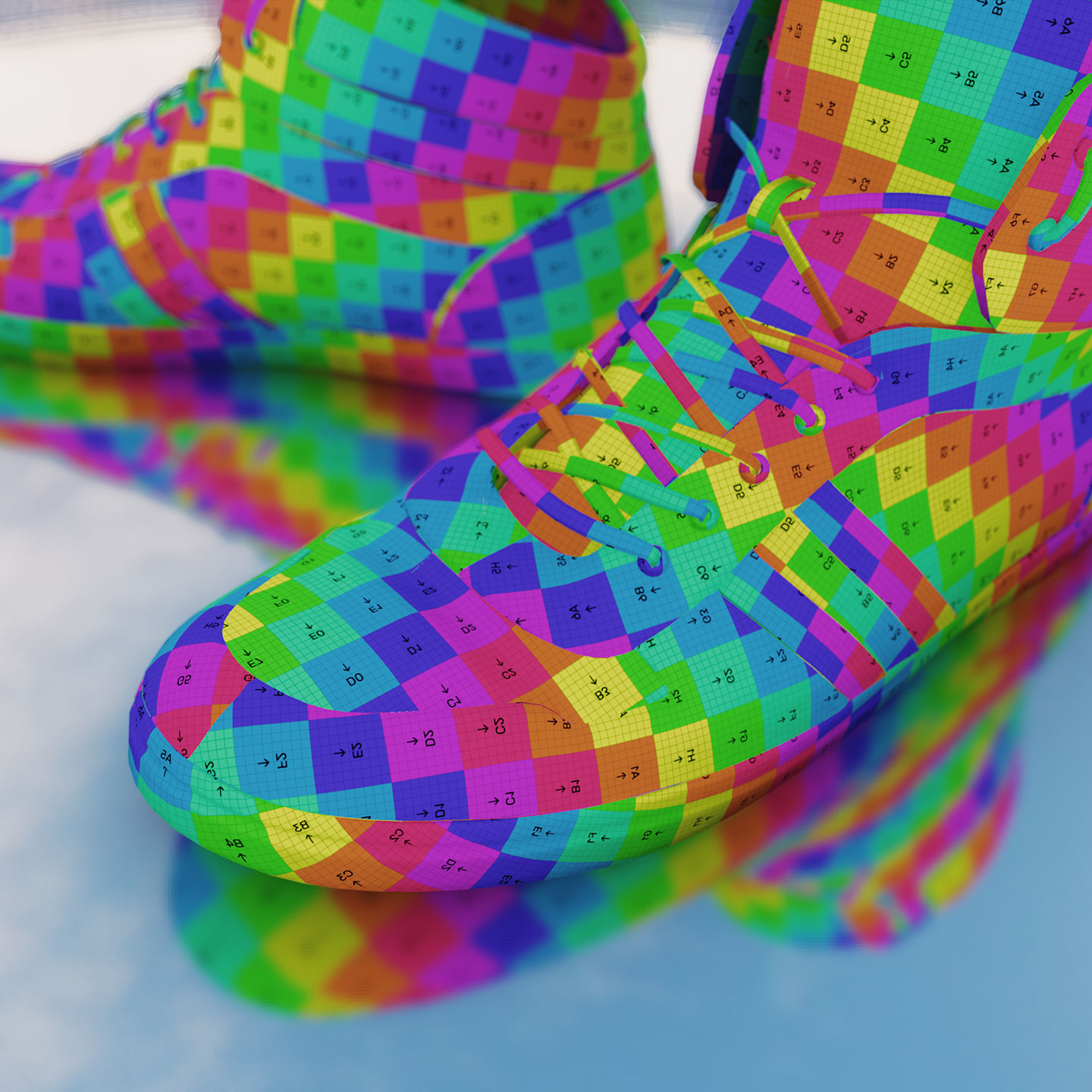
Lime on black is the default — use it wherever you can. These are the approved solid pairings. Orby Lime and white logotypes also work on top of renders when you need a branded overlay. Do not invent new colors or add effects to the logo.

Usage
Do
- Use Orby marks to show you use Orby or link to the app.
- Keep logos and colors as provided — no gradients or effects on the mark itself.
- Use “Orby” as an adjective (“Orby viewer”, “built with Orby”).
- Link to orby.studio when directing people to the product.
Don’t
- Imply Orby sponsors, endorses, or employs you without permission.
- Put Orby marks in your product name, logo, domain, or social handle.
- Modify, rotate, outline, or combine the mark with other logos.
- Use Orby assets on merchandise without written approval.
Contact
Questions about brand use, press kits, or partnership assets: orby-admin@proton.me